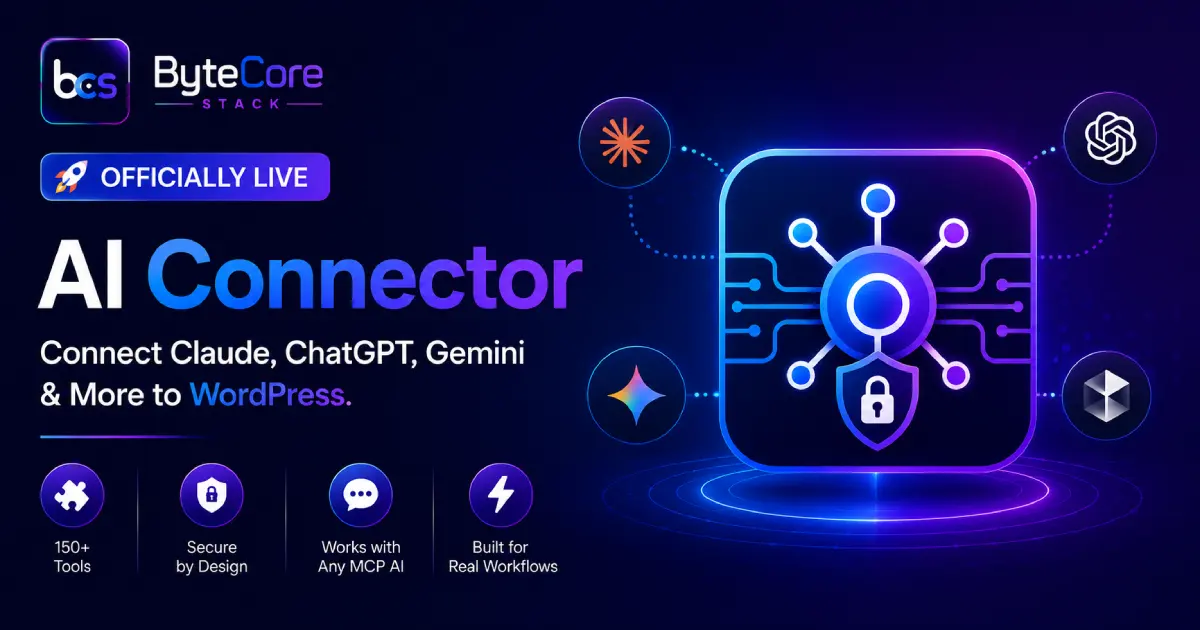

AI Connector is officially live. After weeks of development, security hardening, and testing, our free WordPress plugin that lets Claude, ChatGPT, Gemini, and any other MCP-compatible AI assistant talk directly to your WordPress site is now available at bytecorestack.com/plugins/ai-connector/.
If you’ve been waiting to connect an AI model to your WordPress backend without duct-taping together custom REST endpoints, this is built for exactly that.
What Is AI Connector?
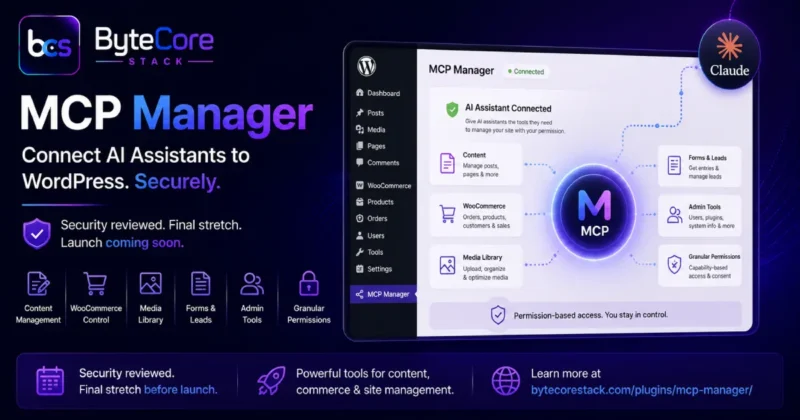
AI Connector turns your WordPress site into a Model Context Protocol (MCP) server. In plain terms: it exposes a secure, structured interface that AI assistants like Claude can use to read and manage your site — posts, pages, media, WooCommerce orders, Gravity Forms entries, Elementor pages, users, taxonomies, SEO meta, and more — through natural conversation instead of manual clicks.
Instead of switching between your AI chat and the WordPress dashboard, you describe what you want done, and the AI executes it directly through the connector.
Key Features
150+ Built-In Tools
AI Connector ships with a large library of ready-to-use tools covering core WordPress (posts, pages, media, menus, users, comments, taxonomies), WooCommerce (products, orders, coupons, stock, variations), Gravity Forms (forms and entries), Elementor (page structure, template cloning, bulk edits), and site administration (plugins, themes, cron jobs, transients, server info).
Works With Any MCP-Compatible AI
The plugin isn’t locked to a single AI provider. Claude, ChatGPT, Gemini, and any other assistant that speaks the Model Context Protocol can connect and use the same tool set.
Granular Control
You choose exactly which tools are enabled and which user roles can access them. Nothing is exposed by default that you haven’t explicitly turned on.
Built for Real Workflows
Because it works at the WordPress data layer, AI Connector supports genuinely useful workflows: bulk content edits, automated SEO meta updates, order lookups and refunds, image uploads from a URL, cache purges after changes, and more — all through conversation.
Security: Built In, Not Bolted On
Letting an AI assistant touch your WordPress site raises an obvious question: how is this locked down? We treated security as a first-class requirement, not an afterthought, and the plugin went through a formal WordPress.org security review before this release.
- OAuth 2.0 with PKCE — connections are authenticated using an industry-standard flow with Proof Key for Code Exchange, so authorization codes can’t be intercepted and replayed.
- Hashed access tokens — tokens are stored using SHA-256 hashing, not in plain text, so a database leak alone doesn’t expose live credentials.
- Capability checks on every tool — each of the 150+ tools re-verifies the connected user’s WordPress capabilities before executing, closing off privilege-escalation paths.
- SSRF protection — outbound requests triggered by tools (like uploading media from a URL) are validated to block requests to internal/private network addresses.
- Sensitive meta blocklist — fields like password hashes, secret keys, and other sensitive postmeta/usermeta are excluded from AI-accessible reads and writes by default.
- IP allowlisting and rate limiting — you can restrict which IPs are allowed to connect and cap how many requests come through in a given window.
- Full activity logging — every tool call is logged, so you have a complete audit trail of what the AI did and when.
These protections came out of a rigorous WordPress.org plugin review process, where several edge cases were identified and patched before approval — exactly the kind of scrutiny you want on something with this level of site access.
100% Free
AI Connector is completely free and open-source (GPL v2), with no premium tier, no feature paywall, and no usage limits. Install it, connect your preferred AI assistant, and start using all 150+ tools immediately.
Real-World Use Cases
The point of AI Connector isn’t novelty — it’s cutting out the busywork that eats up hours in a normal WordPress workflow. A few examples of what people are already using it for:
Content Operations
Ask your AI assistant to draft a post, upload a featured image from a URL, set SEO title and meta description, assign categories and tags, add internal links to related posts, and save it as a draft — all in one conversation instead of a dozen manual dashboard steps.
WooCommerce Store Management
Pull open orders, check stock levels across variations, issue a refund with a note attached, or create a coupon for a flash sale — without opening the WooCommerce admin screens at all.
Site Maintenance and Troubleshooting
Check server info, review recent debug log entries, purge cache after a deploy, or audit which plugins are active — useful when you’re debugging a client issue and don’t want to hunt through wp-admin menus.
Elementor Page Edits at Scale
Swap an image across every Elementor page in one call, clone a page as a draft to test a variant, or bulk find-and-replace text across your site — tasks that would otherwise mean opening each page individually in the editor.
Form and Lead Management
Pull Gravity Forms entries, review submissions, and cross-reference them with WooCommerce customer data, all from the same AI conversation.
None of this requires writing custom REST API code or maintaining a separate integration layer — the tools are already built in and ready to use the moment you connect.
Why We Built This
We manage a lot of WordPress sites across different stacks — Elementor, WooCommerce, Gravity Forms, ACF, custom post types — and the same pattern kept showing up: repetitive admin tasks that don’t need a human making judgment calls, just someone (or something) executing clearly defined steps correctly and quickly.
AI Connector is the tool we wanted to exist: a way to hand off that repetitive layer of work to an AI assistant, with strict boundaries on what it’s allowed to touch, so the time savings don’t come at the cost of site security.
Getting Started
Getting connected takes three steps:
- Install and activate AI Connector on your WordPress site.
- Generate a connection endpoint from the plugin settings and authorize it with OAuth 2.0.
- Add the MCP server URL to Claude, ChatGPT, or any MCP-compatible client, and start giving it instructions.
Frequently Asked Questions
Is AI Connector really free?
Yes. It’s fully free and open-source under GPL v2 — no pro version, no locked features, no usage caps.
Which AI assistants can I connect?
Any AI that supports the Model Context Protocol, including Claude, ChatGPT, and Gemini.
Is it safe to let an AI manage my WordPress site?
AI Connector enforces WordPress capability checks on every tool call, hashes access tokens, blocks SSRF attempts, excludes sensitive data fields by default, and logs every action. You also control exactly which tools are enabled and for which roles.
Does it work with WooCommerce and Elementor?
Yes. AI Connector includes dedicated tools for WooCommerce products, orders, and coupons, plus Elementor page structure, template cloning, and bulk image or text replacement.
Did this go through a security review?
Yes. AI Connector was reviewed by the WordPress.org plugin security team, and issues found during that review were patched before this release went live.
Try It Today
AI Connector is live now at bytecorestack.com/plugins/ai-connector/. If you want a deeper walkthrough of the tool categories and architecture, our earlier feature breakdown is a good companion read: MCP Manager Launching Soon: Full Feature Breakdown.
Need help wiring AI Connector into your specific stack — WooCommerce, Elementor, Gravity Forms, or a custom setup? Get in touch with ByteCore Stack and we’ll help you get it configured.
Explore More From ByteCore Stack
- Lightsail Manager: Manage AWS CDN in WordPress
- SMTP Manager v1.1.0: WordPress SMTP Plugin Update
- What Is llms.txt and Why Your Website Needs It
Get the plugins: