

The WordPress Email Problem Nobody Talks About Until It’s Too Late
Every day, thousands of WordPress sites silently lose customers because a single email never arrives. A password reset that ends up in spam. An order confirmation that never reaches the buyer. A contact form lead that vanishes into a junk folder while a competitor’s phone rings instead.
The default WordPress mail function (wp_mail()) relies on PHP mail, which most modern mail providers treat with suspicion because it lacks proper authentication. That’s why an SMTP plugin isn’t optional anymore — it’s infrastructure.
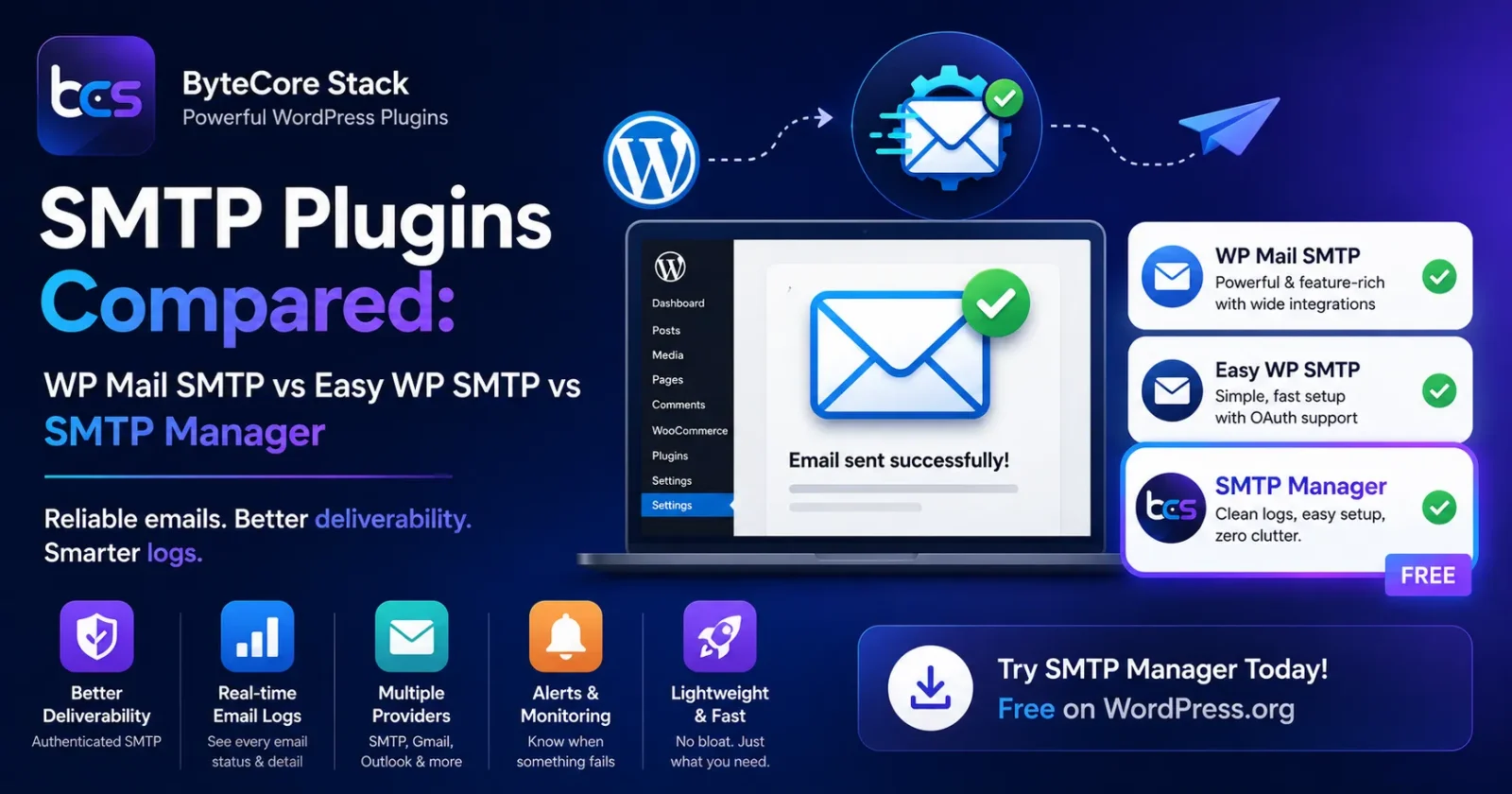
The Big Players: WP Mail SMTP and Easy WP SMTP
WP Mail SMTP is the most installed plugin in this category, and for good reason. It supports a wide range of mailers (SMTP.com, SendGrid, Mailgun, Gmail, Outlook, Amazon SES), has a clean setup wizard, and includes email logging and basic deliverability checks in its free tier, with more advanced reporting on paid plans.
Easy WP SMTP, maintained by the team behind WP Mail Bank, is a lighter alternative that focuses on getting Gmail and Outlook connections working quickly via OAuth, without overwhelming non-technical users with options.
Both are solid, well-maintained plugins — but both also push users toward premium add-ons fairly quickly for things like detailed logs, multiple connections, or alerts when sending fails.
Where SMTP Manager Fits In
We built SMTP Manager after seeing the same support tickets over and over: “my contact form emails aren’t arriving” or “WooCommerce order emails go to spam.” Instead of treating SMTP as a one-time setup-and-forget feature, SMTP Manager focuses on three things that often get buried in other plugins:
- Clear, real-time delivery logs so you can see exactly what was sent, when, and whether it succeeded — without digging through hosting server logs.
- Simple multi-provider setup for SMTP, Gmail, and transactional services without needing a developer to configure DNS records correctly.
- Lightweight footprint — no bloated dashboards or upsell banners cluttering your wp-admin.
It’s not about being “better at everything” — WP Mail SMTP’s ecosystem and integrations are hard to beat for very large sites. SMTP Manager is built for agencies and site owners who want dependable email delivery configured in minutes, with logs that actually make sense, and without paying for a dozen features they’ll never touch.
How to Choose
If you’re running a large WooCommerce store with complex automation, WP Mail SMTP’s broader integration list may serve you well. If you want a fast, no-nonsense setup with clear logs for a business site, agency client site, or membership site, give SMTP Manager a try — it’s free on the WordPress.org repository.
Already using SMTP Manager? Check out our companion tool, Lightsail Manager, if your media files are hosted on AWS Lightsail CDN — or read our full SMTP Manager setup and troubleshooting guide for step-by-step configuration.
Need Help Setting It Up — or Something Bigger?
Email deliverability is often just one symptom of a site that needs a broader technical audit. If your WordPress site has performance, SEO, or integration issues beyond email, our team at ByteCore Stack handles full WordPress development, migrations, and ongoing maintenance — see our breakdown of which platform fits your business if you’re considering a bigger rebuild. Get in touch with us and we’ll take a look at what’s slowing your site — or your leads — down.