
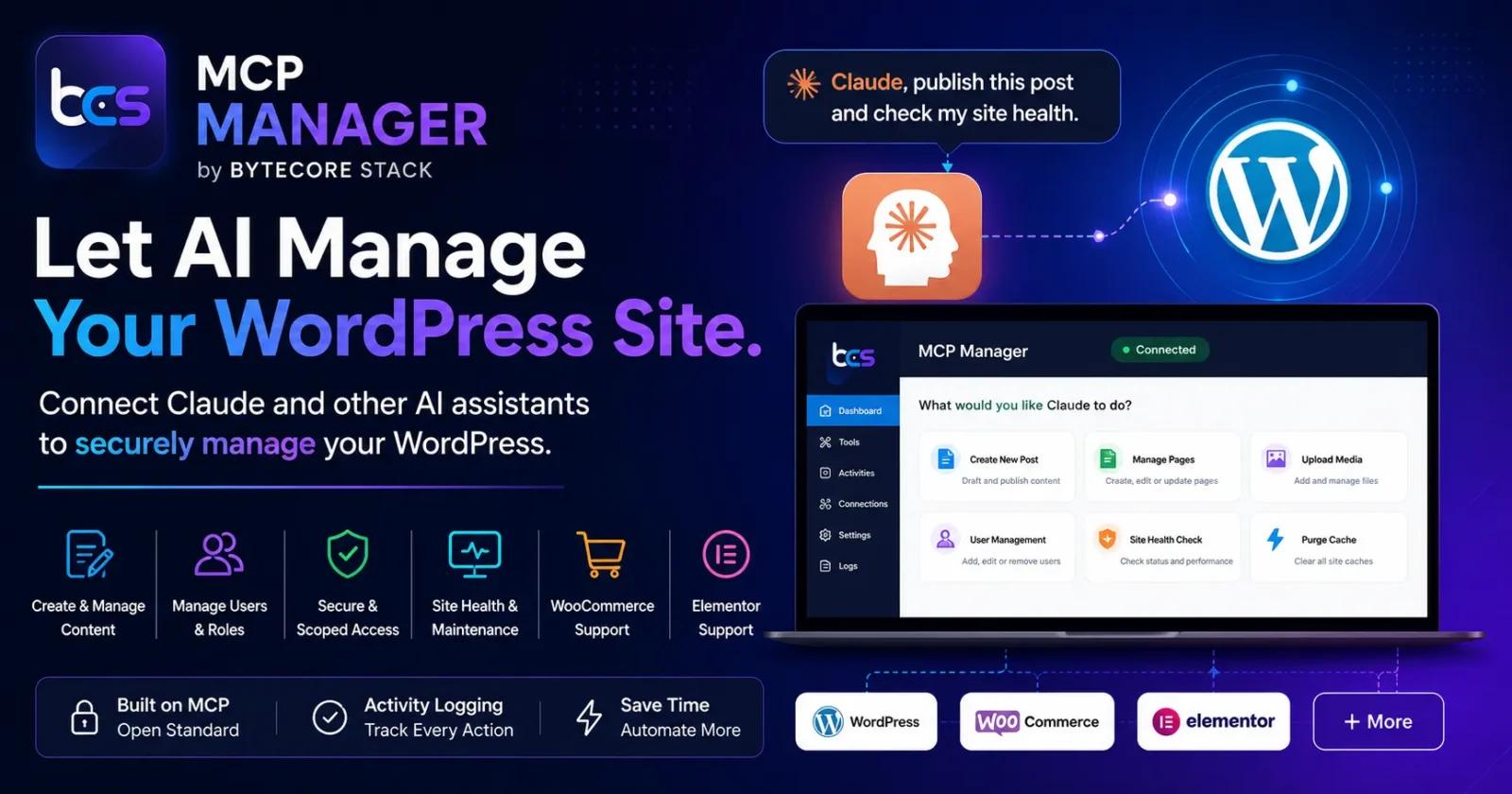

🤖 Wish you could just tell an AI “publish this post” or “check my site health” — and have it actually happen? MCP Manager turns your WordPress site into something Claude and other AI assistants can securely manage.
😩 The Problem: AI Assistants Can’t Touch Your WordPress Site
AI tools like Claude are great at writing content, planning strategy, and answering questions — but by default they have zero access to your actual WordPress site. Every action still has to go through you:
- ✍️ AI drafts a blog post → you copy-paste it into WordPress yourself
- 🛠️ AI suggests a fix → you log in and apply it manually
- 📊 You want a quick site health check → you open wp-admin, click through menus
- 🔁 Every task becomes a manual round trip between “AI says” and “you do”
Why This Happens
WordPress’s REST API requires authentication and exposes raw endpoints — it isn’t structured for AI assistants to use safely. AI models need a standardized, permission-aware way to discover what actions are available and call them. Without that layer, there’s no safe bridge between “Claude, do this” and your live WordPress install.
✅ The Solution: MCP Manager
MCP Manager by ByteCore Stack exposes a secure, structured set of tools — built on the open Model Context Protocol (MCP) standard — that lets AI assistants like Claude manage your WordPress site directly: create and edit content, manage media and users, check site health, handle WooCommerce orders, and more.
Want early access to MCP Manager?
🌟 Key Features
- 📝 Content management — create, update, schedule, and organize posts, pages, and media via AI
- 👥 User management — manage users, roles, and permissions through natural language
- ⚙️ Site administration — check site health, manage plugins/themes, purge caches
- 🛒 WooCommerce & Elementor support — extend AI workflows to e-commerce and page-building
- 🔐 Secure, scoped access — authenticated REST layer, separate from general admin login, with activity logging
- 🧩 Standards-based — built on the open MCP protocol, compatible with Claude and other MCP-aware AI clients
📥 How It Works (At a Glance)
- Install MCP Manager on your WordPress site
- Generate a secure connection endpoint + credentials from the plugin settings
- Add that endpoint as a connector in Claude (or another MCP-compatible AI client)
- Start managing your site with natural language — “publish this draft,” “show me yesterday’s comments,” “clear the cache”
👥 Who Should Use This?
- Developers and agencies managing multiple client WordPress sites
- Site owners who already use Claude for content/strategy and want to close the loop
- Teams who want AI-assisted publishing without giving up admin credentials
- Anyone curious about AI-driven WordPress management workflows
💡 Benefits
- ⏱️ Saves time — go from “AI suggests” to “AI does” in one step
- 🔐 Safer than sharing admin logins — scoped, auditable access instead of full credentials
- 🧰 Extensible — works across content, users, media, e-commerce, and site admin tasks
- 🚀 Future-proof — built on an open standard adopted across the AI ecosystem
🔍 How Does It Compare?
| Approach | AI Access Method | Security | Setup |
|---|---|---|---|
| MCP Manager | ✅ Purpose-built MCP layer | ✅ Scoped, logged access | Low |
| Sharing admin login with AI tools | ⚠️ Full account access | ❌ High risk | N/A (risky) |
| Manual copy-paste workflow | ❌ No direct access | ✅ Safe but slow | N/A |
❓ Frequently Asked Questions
What is MCP?
MCP (Model Context Protocol) is an open standard that lets AI models like Claude securely call tools and retrieve data from external systems — in this case, your WordPress site — without raw database or full-admin access.
Is this safe? Will the AI have full control of my site?
MCP Manager exposes a defined, scoped set of tools — not raw admin access. Actions are authenticated and logged, so you retain visibility and control over what’s been done.
Which AI assistants does this work with?
Any AI client that supports the Model Context Protocol — including Claude. Support for additional MCP-compatible clients is expanding across the ecosystem.
Does it work with WooCommerce and Elementor?
Yes — MCP Manager includes support for WooCommerce store management and Elementor page operations alongside core WordPress content and admin tasks.
Is MCP Manager available now?
MCP Manager is currently in active development. Reach out via our contact page to get notified when it’s available or to discuss early access.
🛠️ Troubleshooting
AI client can’t connect to my site
Double-check the endpoint URL and credentials were copied correctly into your AI client’s connector settings, and that the plugin is active.
Some actions return permission errors
MCP Manager respects WordPress user roles and capabilities — ensure the connected account has sufficient permissions for the action being requested.
🎯 The Future of Site Management
As AI assistants become standard tools for developers and site owners, a secure bridge between your CMS and your AI assistant isn’t just convenient — it’s becoming essential. MCP Manager is ByteCore Stack’s answer to that need.
Curious how AI-assisted WordPress management could work for your site?