
Skip to main content Skip to navigation
Free WordPress Plugin

Connect Any AI
to Your WordPress

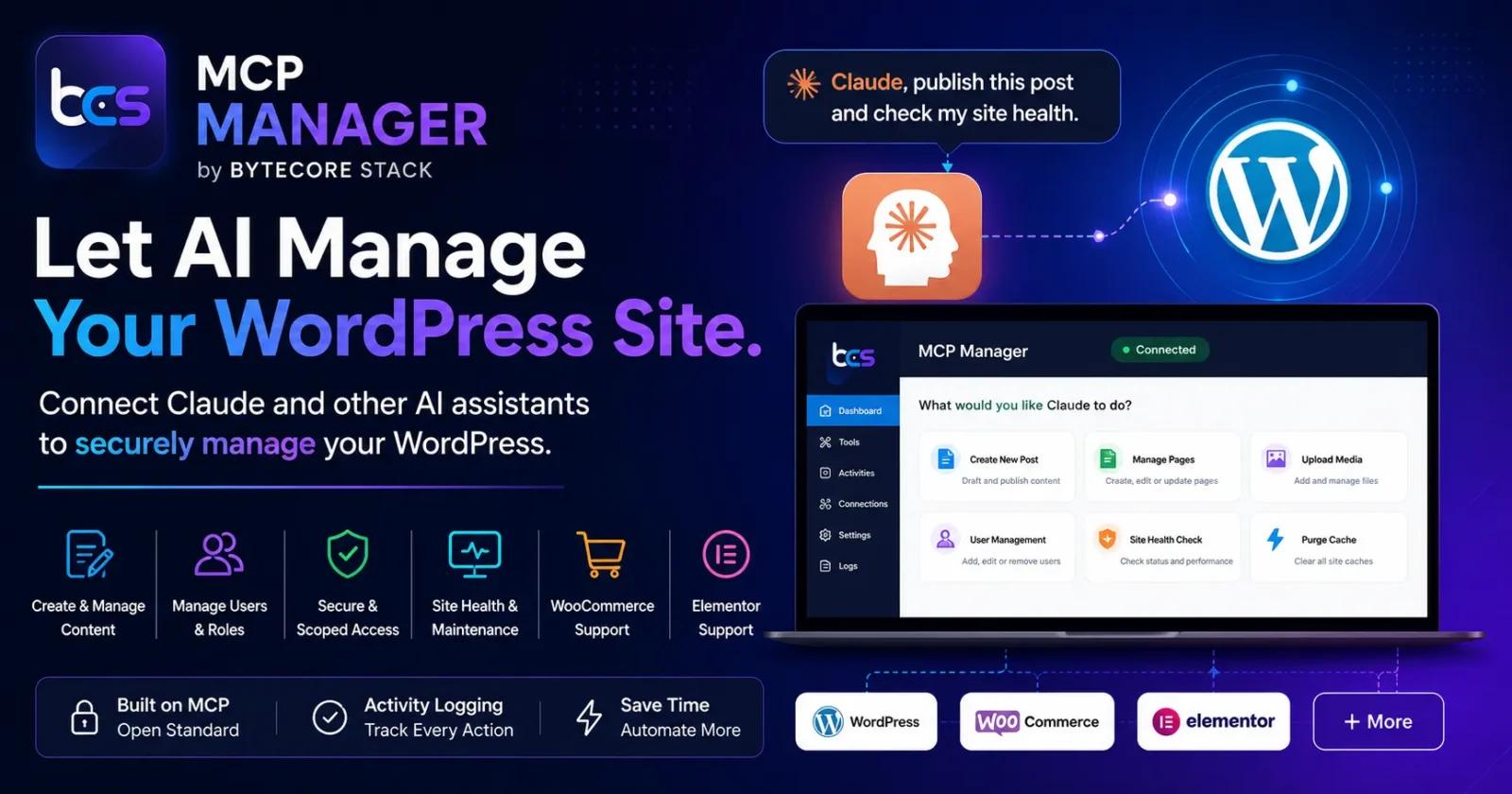
ByteCore MCP Manager turns your WordPress site into a full Model Context Protocol server. Claude, ChatGPT, Gemini, Cursor, and Windsurf can connect directly and perform real actions — authenticated via OAuth 2.0 with PKCE. 150+ tools. Zero configuration required.

100% Free GPL v2 Licensed No Pro Upsell WP 6.2+ / PHP 7.4+
Claude Cursor ChatGPT Gemini Windsurf
150+ WordPress tools
OAuth 2.0 PKCE authentication
20 Tool categories
$0 Free forever
Features

Everything an AI needs
to work inside WordPress

One free plugin. Full MCP server. No cloud account required.

OAuth 2.0 with PKCE

Full authorization code flow with Dynamic Client Registration, refresh tokens, and RFC 8414 discovery endpoints. AI clients register and authenticate automatically — no manual key sharing.

150+ WordPress Tools

Posts, pages, media, users, taxonomies, menus, comments, plugins, themes, SEO, cache, revisions, WooCommerce, ACF, Elementor, Gravity Forms, and more — all exposed as MCP tools.

Activity Logging

Every MCP tool call is logged with timestamp, tool name, client identifier, and response status. Color-coded badges for Claude, Cursor, Windsurf, ChatGPT, and Gemini. CSV export included.

Secure by Design

Capability checks on every tool call, SHA-256 token hashing, SSRF protection on URL downloads, sensitive meta key blocklist, IP allowlist support, and 60 req/min rate limiting per IP.

Admin Dashboard

Server status, MCP endpoint URL, OAuth client list, and a live activity feed — all from one admin screen. Includes a 7-day sparkline widget on the WordPress dashboard.

Extensible via Filter

Register custom MCP tools from any plugin or theme using bcs_mcp_register_tool() or the bcs_mcp_tools filter. Your tools appear automatically in the AI client's tool list.

Tool Coverage

150+ tools across
20 WordPress categories

WooCommerce, ACF, Elementor, and Gravity Forms tools activate automatically when those plugins are installed.

Posts
Pages
Media Library
Taxonomies
Comments
Users & Roles
Meta
Menus & Nav
Plugins & Themes
SEO Meta
Options & Transients
Revisions
Cache & Cron
Blocks & Reusable
Widgets
Dev Tools
WooCommerce
ACF Fields
Elementor
Gravity Forms

WooCommerce, ACF, Elementor and Gravity Forms tools only appear in the AI client's tool list when those plugins are active on your site.

Tool Reference

Complete tool index

Every tool available to connected AI clients — with endpoint path and description.

Posts 14 tools
wp_get_posts GET /posts List posts with filters
wp_get_post GET /posts/{id} Get a single post by ID
wp_create_post POST /posts Create a new post
wp_update_post PUT /posts/{id} Update an existing post
wp_delete_post DELETE /posts/{id} Delete or trash a post
wp_count_posts GET /posts/count Count posts by type and status
wp_get_post_types GET /post-types List all registered post types
wp_duplicate_post POST /posts/{id}/duplicate Duplicate a post as draft
wp_schedule_post PUT /posts/{id}/schedule Schedule post for future publishing
wp_get_post_format GET /posts/{id}/format Get the post format
wp_set_post_format PUT /posts/{id}/format Set the post format
wp_bulk_trash_posts DELETE /posts/bulk-trash Trash multiple posts by ID in one call
wp_set_post_password PUT /posts/{id}/password Set or clear the password on a post
wp_get_post_statuses GET /post-statuses List all registered post statuses
Pages 8 tools
wp_get_pages GET /pages List pages
wp_get_page GET /pages/{id} Get a single page by ID
wp_create_page POST /pages Create a new page
wp_update_page PUT /pages/{id} Update an existing page
wp_delete_page DELETE /pages/{id} Delete or trash a page
wp_duplicate_page POST /pages/{id}/duplicate Duplicate a page as draft
wp_get_page_template GET /pages/{id}/template Get the page template
wp_set_page_template PUT /pages/{id}/template Set the page template
Media 11 tools
wp_get_media GET /media List media library items
wp_get_media_item GET /media/{id} Get a single media item
wp_upload_media_from_url POST /media/upload-url Upload image from a URL
wp_upload_media POST /media/upload Upload file from base64 content
wp_set_featured_image PUT /posts/{id}/featured-image Set the featured image on a post
wp_update_media PUT /media/{id} Update media metadata
wp_delete_media DELETE /media/{id} Delete a media item
wp_count_media GET /media/count Count media items by MIME type
wp_get_image_sizes GET /media/image-sizes List all registered image sizes
wp_regenerate_thumbnails POST /media/regenerate Regenerate thumbnails for one or all images
wp_get_attachment_metadata GET /media/{id}/metadata Get full attachment metadata (dimensions, alt, EXIF)
Taxonomies 11 tools
wp_get_categories GET /categories List all categories
wp_get_tags GET /tags List all tags
wp_get_taxonomies GET /taxonomies List registered taxonomies
wp_create_term POST /terms Create a term in a taxonomy
wp_update_term PUT /terms/{id} Update a term
wp_delete_term DELETE /terms/{id} Delete a term from a taxonomy
wp_add_post_terms PUT /posts/{id}/terms Add terms to a post
wp_count_terms GET /terms/count Count terms in a taxonomy
wp_get_term_meta GET /terms/{id}/meta Get term meta values
wp_update_term_meta PUT /terms/{id}/meta Update term meta value
wp_delete_term_meta DELETE /terms/{id}/meta Delete a term meta key
Comments 8 tools
wp_get_comments GET /comments List comments
wp_create_comment POST /comments Create a new comment on a post
wp_delete_comment DELETE /comments/{id} Delete or trash a comment
wp_get_pending_comments GET /comments/pending Get comments awaiting moderation
wp_approve_comment PUT /comments/{id}/approve Approve a pending comment
wp_spam_comment PUT /comments/{id}/spam Mark a comment as spam
wp_trash_comment PUT /comments/{id}/trash Trash a comment
wp_update_comment PUT /comments/{id} Update comment content or author fields
Users 10 tools
wp_get_users GET /users List WordPress users
wp_get_user GET /users/{id} Get a single user by ID
wp_update_user PUT /users/{id} Update an existing user
wp_delete_user DELETE /users/{id} Delete a WordPress user
wp_get_user_sessions GET /users/{id}/sessions Get active sessions for a user
wp_destroy_user_sessions DELETE /users/{id}/sessions Destroy all sessions for a user
wp_get_user_roles GET /users/roles List all registered user roles and capabilities
wp_assign_user_role PUT /users/{id}/role Change a user's role
wp_get_users_by_role GET /users/by-role/{role} List users filtered by role
wp_reset_user_password POST /users/{id}/reset-pass Send a password reset email to a user
Meta 6 tools
wp_get_post_meta GET /posts/{id}/meta Get post meta values
wp_update_post_meta PUT /posts/{id}/meta Update a post meta value
wp_delete_post_meta DELETE /posts/{id}/meta/{key} Delete a post meta key
wp_get_user_meta GET /users/{id}/meta Get user meta values
wp_update_user_meta PUT /users/{id}/meta Update a user meta value
wp_delete_user_meta DELETE /users/{id}/meta/{key} Delete a user meta key
Menus 10 tools
wp_get_menus GET /menus List all nav menus
wp_get_menu_items GET /menus/{id}/items List items in a nav menu
wp_create_menu POST /menus Create a new navigation menu
wp_delete_menu DELETE /menus/{id} Delete a navigation menu
wp_create_menu_item POST /menus/{id}/items Create a new menu item
wp_update_menu_item PUT /menu-items/{id} Update a menu item
wp_delete_menu_item DELETE /menu-items/{id} Delete a menu item
wp_reorder_menu_items PUT /menus/{id}/reorder Reorder menu items
wp_get_nav_menu_locations GET /menus/locations List theme menu locations and assigned menus
wp_assign_menu_to_location PUT /menus/locations/{slug} Assign a menu to a theme location
Plugins & Themes 7 tools
wp_get_plugins GET /plugins List all installed plugins
wp_activate_plugin POST /plugins/activate Activate an installed plugin
wp_deactivate_plugin POST /plugins/deactivate Deactivate an active plugin
wp_get_themes GET /themes List all installed themes
wp_get_active_theme GET /themes/active Get active theme info
wp_get_theme_mods GET /themes/mods Get all theme modifications
wp_get_custom_css GET /themes/custom-css Get the active theme custom CSS
SEO 2 tools
wp_get_seo_meta GET /posts/{id}/seo Get SEO meta (Yoast / Rank Math)
wp_update_seo_meta PUT /posts/{id}/seo Update SEO meta for a post
Site / Options 9 tools
wp_get_site_info GET /site Get basic site information
wp_search GET /search Search WordPress content
wp_get_site_health GET /site/health Get site health info
wp_get_option GET /options/{name} Get a WordPress option value
wp_get_plugin_settings GET /options/plugin Get plugin option values by slug
wp_send_email POST /email Send an email via wp_mail
wp_list_cron_jobs GET /cron List scheduled WP-Cron jobs
wp_flush_rewrite_rules POST /site/flush-rewrites Flush and regenerate rewrite rules
wp_run_shortcode POST /shortcode Execute a shortcode and return HTML output
Revisions 5 tools
wp_get_post_revisions GET /posts/{id}/revisions List revisions for a post
wp_restore_revision PUT /revisions/{id}/restore Restore post to a previous revision
wp_get_permalink_structure GET /site/permalinks Get the permalink structure
wp_get_reusable_blocks GET /blocks List reusable blocks
wp_create_reusable_block POST /blocks Create a new reusable block
Cache 5 tools
wp_get_transient GET /cache/transient/{key} Get a transient value
wp_set_transient PUT /cache/transient/{key} Set a transient value with expiration
wp_delete_transient DELETE /cache/transient/{key} Delete a transient
wp_flush_cache POST /cache/flush Flush the WordPress object cache
wp_purge_cache POST /cache/purge Purge full-page cache (Rocket, W3TC, etc.)
Blocks 2 tools
wp_parse_blocks POST /blocks/parse Parse Gutenberg block structure from post content
wp_get_block_patterns GET /blocks/patterns List all registered block patterns
Widgets 2 tools
wp_get_registered_sidebars GET /widgets/sidebars List all registered widget areas
wp_get_sidebar_widgets GET /widgets/sidebars/{sidebar} Get widgets in a specific sidebar
Dev Tools 5 tools
wp_get_server_info GET /dev/server-info PHP version, memory limits, WordPress environment
wp_get_database_size GET /dev/db-size Size and row count for every database table
wp_optimize_tables POST /dev/db-optimize Optimize all WordPress database tables
wp_search_replace_content POST /dev/search-replace Find & replace text in post content (dry-run support)
wp_get_debug_log GET /dev/debug-log Read last N lines from wp-content/debug.log
WooCommerce 33 tools requires plugin
wc_get_products GET /wc/products List WooCommerce products
wc_create_product POST /wc/products Create a new WooCommerce product
wc_update_product PUT /wc/products/{id} Update a WooCommerce product
wc_delete_product DELETE /wc/products/{id} Delete a WooCommerce product
wc_get_orders GET /wc/orders List WooCommerce orders
wc_get_order GET /wc/orders/{id} Get full details of a single order
wc_update_order_status PUT /wc/orders/{id}/status Update order status
wc_refund_order POST /wc/orders/{id}/refund Create a refund for an order
wc_get_order_notes GET /wc/orders/{id}/notes List notes and history for an order
wc_add_order_note POST /wc/orders/{id}/notes Add a private or customer note to an order
wc_get_customers GET /wc/customers List WooCommerce customers
wc_get_coupons GET /wc/coupons List WooCommerce coupons
wc_create_coupon POST /wc/coupons Create a new coupon
wc_get_coupon GET /wc/coupons/{id} Get a single coupon by ID or code
wc_update_coupon PUT /wc/coupons/{id} Update an existing coupon
wc_delete_coupon DELETE /wc/coupons/{id} Delete a coupon
wc_get_inventory GET /wc/inventory Get product inventory levels
wc_update_stock PUT /wc/products/{id}/stock Update product stock quantity
wc_get_product_categories GET /wc/categories List WooCommerce product categories
wc_get_store_stats GET /wc/stats Get store revenue, orders, and customer stats
wc_get_shipping_zones GET /wc/shipping-zones List shipping zones and their methods
wc_get_payment_gateways GET /wc/payment-gateways List configured payment gateways
wc_get_tax_rates GET /wc/tax-rates List WooCommerce tax rates and classes
wc_get_product_variations GET /wc/products/{id}/variations List all variations of a variable product
wc_get_variation GET /wc/products/{id}/variations/{v} Get a single product variation
wc_create_variation POST /wc/products/{id}/variations Create a variation on a variable product
wc_update_variation PUT /wc/products/{id}/variations/{v} Update variation price/stock/attributes
wc_delete_variation DELETE /wc/products/{id}/variations/{v} Delete a product variation
wc_batch_update_variations PUT /wc/products/{id}/variations Bulk-update multiple variations at once
wc_get_product_attributes GET /wc/attributes List all global product attributes
wc_create_product_attribute POST /wc/attributes Create a new global product attribute
wc_get_attribute_terms GET /wc/attributes/{id}/terms List terms for a product attribute
wc_set_product_attributes PUT /wc/products/{id}/attributes Set attributes on a product
ACF 3 tools requires plugin
wp_get_acf_fields GET /acf/fields/{post_id} Get all ACF fields for a post
wp_update_acf_field PUT /acf/fields/{post_id} Update an ACF field value
wp_get_acf_field_groups GET /acf/groups List all ACF field groups
Elementor 6 tools requires plugin
elementor_list_templates GET /elementor/templates List all saved Elementor templates
elementor_clone_page POST /elementor/pages/{id}/clone Clone a page and its Elementor data
elementor_get_page_outline GET /elementor/pages/{id}/outline Get sections/widgets structure of a page
elementor_bulk_replace_text POST /elementor/replace-text Find and replace text across all Elementor pages
elementor_swap_image POST /elementor/swap-image Replace an image URL across all pages
elementor_import_template POST /elementor/templates Import an Elementor template from JSON
Gravity Forms 2 tools requires plugin
gf_get_forms GET /gf/forms List all Gravity Forms
gf_get_entries GET /gf/forms/{id}/entries Get entries for a Gravity Form

WooCommerce, ACF, Elementor, and Gravity Forms tools only appear when those plugins are active on your site.

Setup

Connected in under
5 minutes

No developer. No API keys to manage manually. Just WordPress and your AI client.

Install & Activate

Install from WordPress.org and activate. The MCP server starts immediately — no configuration needed to enable the endpoint.

Paste MCP URL into AI Client

Copy the MCP URL from MCP Manager → Dashboard and add it to Claude.ai, Claude Desktop, Cursor, or any MCP-compatible client. The client handles OAuth registration automatically.

Approve & Start Using

You'll be redirected to an authorization screen in your own wp-admin. Approve once — the AI client manages tokens from that point. Ask Claude to write a post, update products, or query any WordPress data.

FAQ

Common questions

Anything else? Open an issue on the WordPress.org support forum.

What is the Model Context Protocol?

MCP is an open standard created by Anthropic that lets AI assistants connect to external tools and data sources in a structured, authenticated way. When your WordPress site runs an MCP server, Claude and other AI clients can see and use your WordPress data — writing posts, managing products, updating SEO — without you needing to copy/paste anything.

Which AI clients are compatible?

Any client that implements the MCP specification. Tested and confirmed working with Claude (claude.ai and Claude Desktop), ChatGPT, Cursor, and Windsurf. Gemini uses the same standard protocol and is expected to work via Google AI Studio's MCP integrations. The plugin uses Streamable HTTP transport with a legacy SSE fallback so it works with both new and older client versions.

Is my WordPress site secure when an AI is connected?

Every tool call enforces WordPress capabilities — the AI can only do what your user account is allowed to do. Tokens are stored as SHA-256 hashes, never plaintext. PKCE is required on every OAuth flow. Sensitive meta keys (passwords, session tokens, API secrets) are on a permanent blocklist. You can further restrict access with the IP allowlist feature.

Does this plugin send data to ByteCore Stack or any third party?

No. The plugin contains no analytics, telemetry, or tracking of any kind. The only outbound HTTP call it makes is when the wp_upload_media_from_url tool is explicitly invoked by your connected AI client to download an image — and even then it connects to the URL the AI specified, not to any ByteCore Stack server.

Do WooCommerce, ACF, and Elementor tools require extra setup?

No. They are included in the plugin and activate automatically when their respective plugins are detected. If WooCommerce is not installed, WooCommerce tools simply don't appear in the AI's tool list — no errors, no extra configuration.

I see "Couldn't register with sign-in service" in Claude. How do I fix it?

This usually means the OAuth rewrite rules haven't been flushed. Log in to wp-admin once — the plugin auto-flushes on the first admin page load after activation or update. If the error persists, go to Settings → Permalinks and click Save Changes to force a full rewrite flush.

Can I add my own custom MCP tools?

Yes. Use bcs_mcp_register_tool( 'my_tool', 'Description', $schema, $callback ) from any plugin or theme, or hook into the bcs_mcp_tools filter directly. Your custom tools appear in the AI client's tool list alongside the built-in 150+.

Your AI, inside
your WordPress

Free to install. No account required. No paid plan.
Connect Claude once and let it manage your site.